
Blog
What an Image Audit Actually Is, and the Four Questions It Has to Answer
5 min read
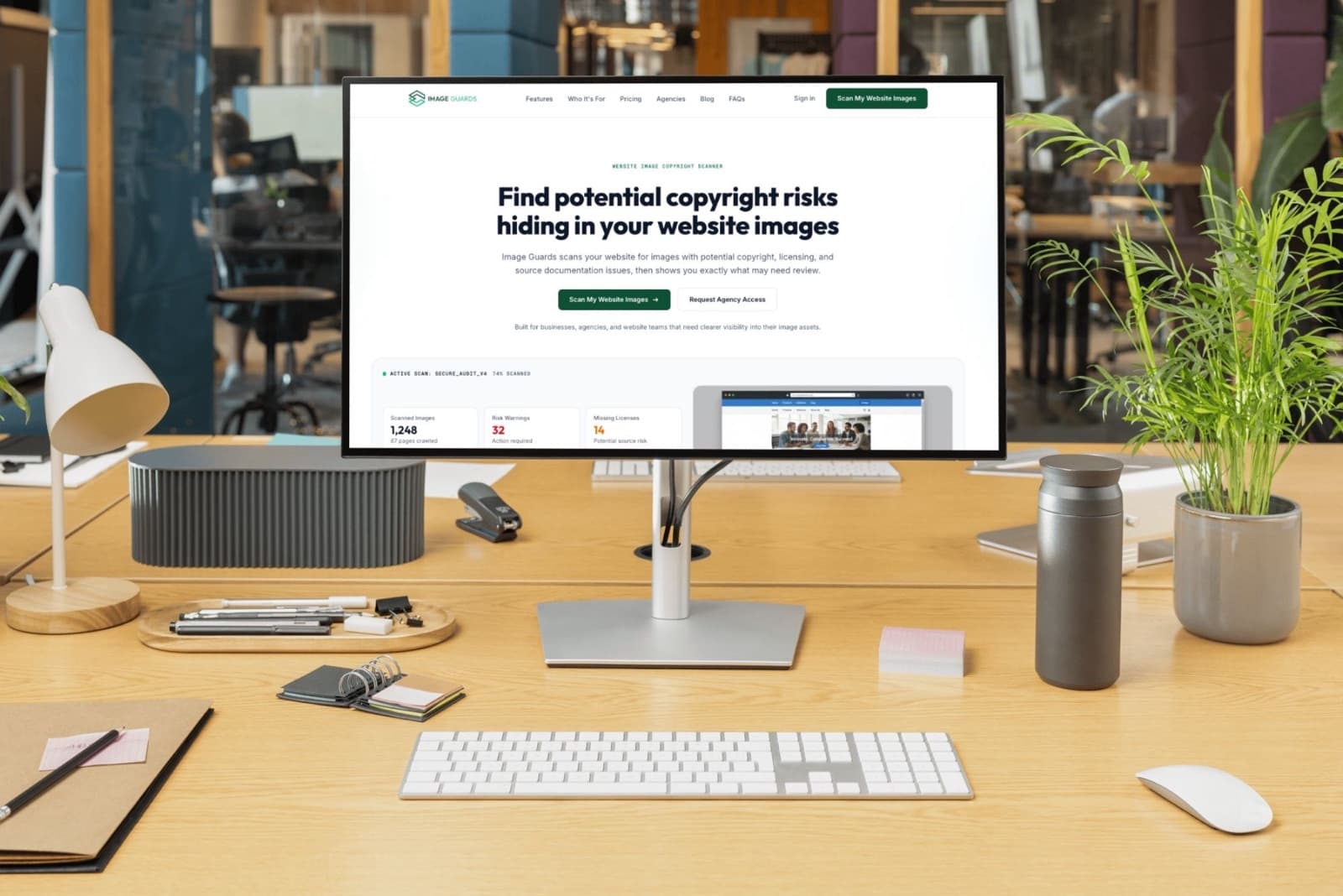
Ask five people on a marketing team what an image audit is and you will get five answers. The developer thinks you mean compression. The SEO thinks you mean alt text. The designer assumes you want to know which hero images are still using the 2021 brand palette. Someone in legal, if legal is in the room, thinks you mean licences.
They are all right, which is the problem.
An image audit is a single pass across every image on a site that answers four separate questions. Most teams only ever ask one of them, usually whichever one someone complained about most recently, and then declare the job done. Six months later a different question arrives from a different direction and nobody has the inventory to answer it.
So let's go through all four, because once you see them stacked together the case for doing them in one sweep makes itself.
Layer one: do you have the right to use them
This is the one that produces emails with the word "unauthorised" in the subject line, and it is the layer most teams genuinely cannot answer. Not because anyone stole anything, but because the licence lived in a freelancer's stock account, or a Dropbox folder from two rebrands ago, or the head of a contractor who moved on in 2023.
The uncomfortable detail is that nobody asks whether the image is copyrighted. They ask you to produce the licence. Statutory damages in the US run from $750 to $30,000 per work and up to $150,000 where infringement is found to be wilful, so the gap between "we definitely paid for this" and "here is the receipt" is an expensive place to be standing. We wrote about that side of it in more detail in our piece on image copyright checkers.
For the audit, the question is narrow. For every image on the site, does it map to a licence source you actually hold.
Layer two: can everyone see them
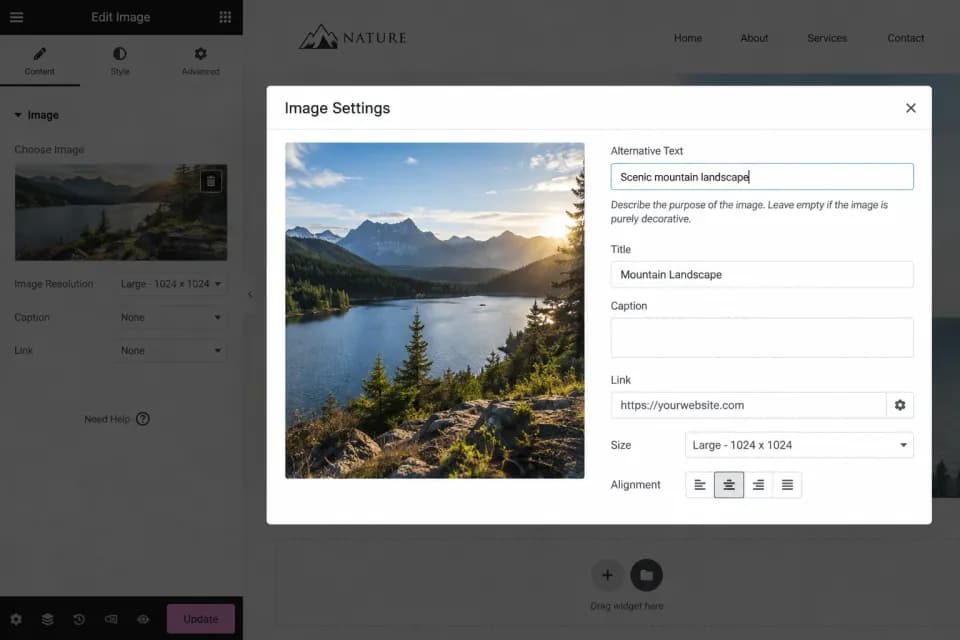
Here is where the numbers get genuinely uncomfortable.
The WebAIM Million, which tests the top one million home pages every year, found that the average home page now carries 66.6 images, and that 16.2 percent of them have no alternative text. That works out to roughly eleven images per page that a screen reader simply cannot describe. Missing alt text sits as the second most common accessibility failure on the web, present on 53.1 percent of home pages tested.
And the overall picture got worse, not better. 95.9 percent of home pages had detectable WCAG failures in the most recent report, with an average of 56.1 errors per page, up around ten percent year on year. Sites are getting bigger faster than anyone is fixing them.
If that reads as an ethics problem rather than a business one, consider that more than 5,000 digital accessibility lawsuits were filed in the US in 2025, with roughly 70 percent aimed at ecommerce. Among the top 500 ecommerce retailers, 35.8 percent caught at least one. Alt text is not usually the whole complaint, but it is cheap to find, easy to screenshot, and it turns up in a lot of them.
Alt text is also the rare fix that pays twice. Search engines read it, screen readers read it, and writing it takes a competent person about twenty seconds per image. The reason it does not get done is never difficulty. It is that nobody has a list.
Layer three: what they are costing you in speed

Images are still the heaviest thing on most websites. The 2025 Web Almanac puts the median mobile home page at around 911 KB of images out of roughly 2.5 MB total, which makes images the single largest category of bytes on the page, ahead of JavaScript and fonts.
That weight lands directly on the metric Google actually measures. A hero image that nobody resized is usually the thing holding up the largest contentful paint, and the fix is almost always boring: serve it at the size it displays, use a modern format, stop shipping a 3,000 pixel wide PNG to a phone.
What makes this an audit problem rather than a dev ticket is scale. One oversized image is a bug. Four hundred oversized images across a site built by three different teams over six years is an inventory you have never actually looked at.
Layer four: knowing what you have at all
This is the layer that makes the other three possible, and the one nobody budgets for.
Most sites are carrying images nobody has thought about in years. The same product shot uploaded eleven times under eleven filenames. A press photo from a campaign that ended in 2022, still live on a page nobody links to. Broken files that return a 404 to anyone who scrolls that far. Images embedded by a plugin that the person who installed the plugin no longer works here.
None of these are dramatic on their own. Collectively they are why the first three layers feel impossible. You cannot licence-check, alt-tag or compress a library you have never counted.
How to actually run one without losing a month
The mistake is treating this as four projects. It is one crawl and four questions asked of the same list, and the order matters more than most people expect.
Start by counting. Get every image on every page into one list, including the ones in CSS backgrounds, PDFs and CDN subdomains, because that is where the forgotten ones hide. Then tag each one against a licence source you can produce. Then flag the missing alt text, which is now a writing task with a finite end rather than an open-ended worry. Then sort by file size and fix the worst twenty, because the long tail genuinely does not matter. Then delete what nobody is using.
Rank the output by risk before you hand it to anyone. A list of 2,400 images is a reason to do nothing. A list of 2,400 images where 38 are flagged red is a Tuesday afternoon.
Agencies have the sharpest version of this problem, because the inventory belongs to someone else. You inherited a site, you did not build it, and you are now the one publishing to it. Running an image audit at the start of an engagement is the cheapest insurance in the business, and it also happens to produce a genuinely impressive first report.
If you want to see what your own site is carrying, the free preview scan covers five images on one site, no card required. It is enough to tell you whether you have a tidy library or a very long afternoon ahead.