
Blog
Image Copyright Checker: How to Actually Tell If the Images on Your Site Are Safe
4 min read
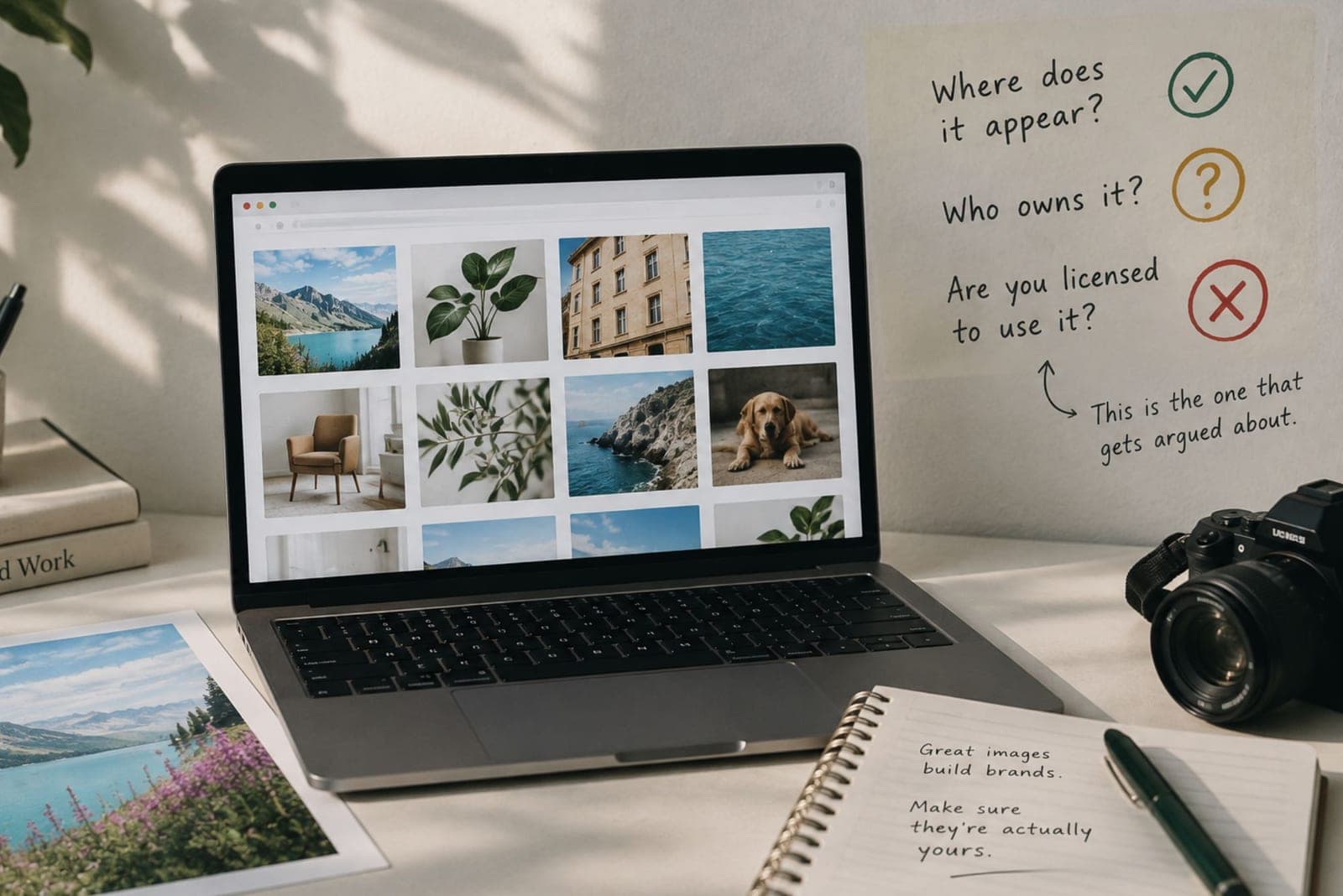
Most people go looking for an image copyright checker the same way. Someone on the team drops a link in Slack, usually a screenshot of an email with the words "unauthorised use" in the subject line, and suddenly everybody wants to know where that photo on the careers page came from. Nobody knows. The designer who added it left in 2023. 😐
That is the real version of this problem. It is rarely one image and a lawyer. It is four hundred images and nobody with an answer.
So let's talk about what an image copyright checker can genuinely tell you, what it cannot, and what to do about the gap.
Most "checkers" only answer half the question
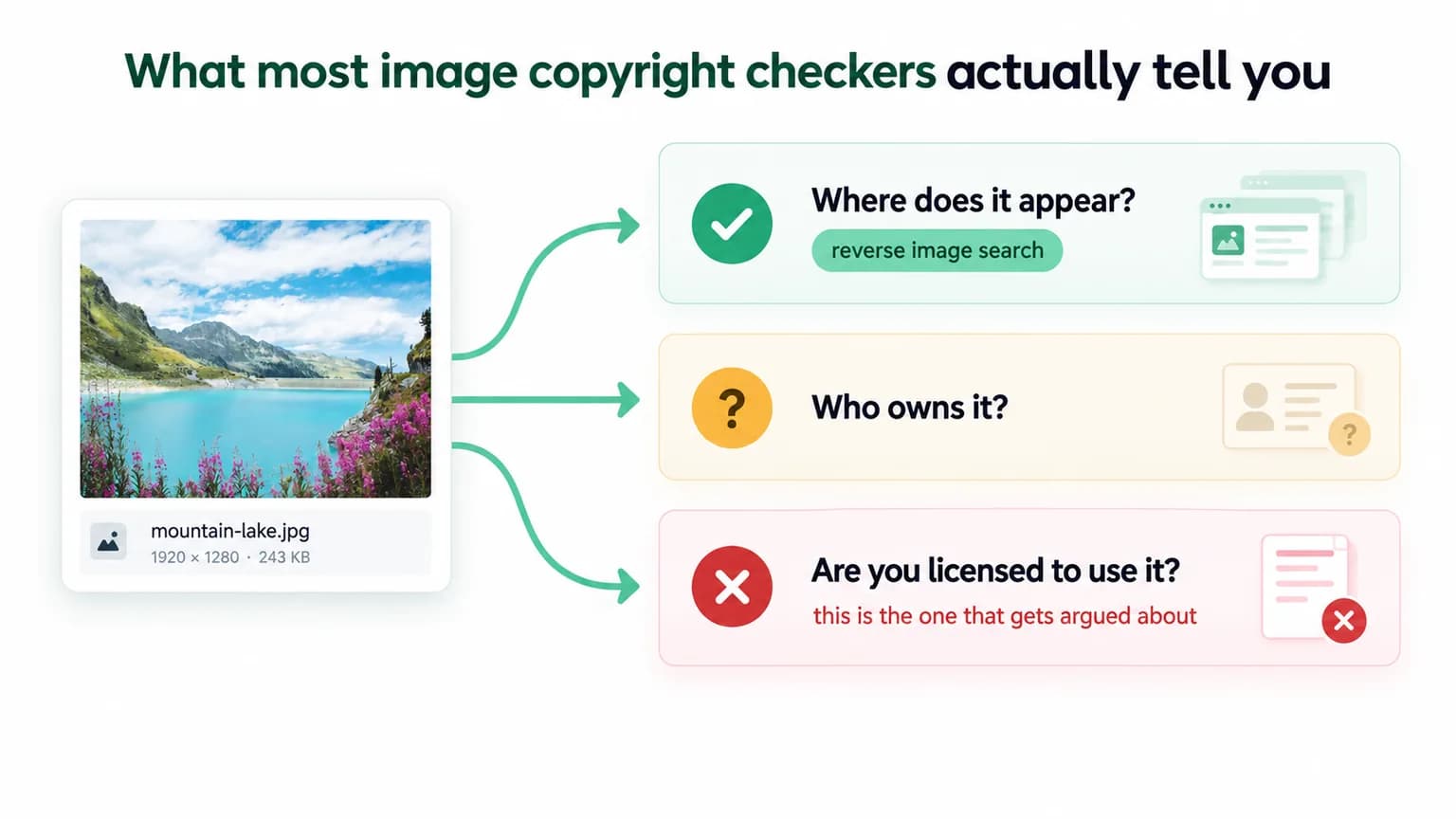
Type the phrase into Google and you mostly get reverse image search. Upload a picture, see where else it lives online, maybe spot a stock watermark or a photographer's portfolio. Useful, and no longer a niche skill. Google Lens alone handles more than 20 billion visual searches a month, so the ability to trace a photo back to its owner now sits in every pocket, including the pocket of the photographer whose work you borrowed.
But notice what reverse search answers. It tells you where an image appears. It does not tell you who owns it, what licence covers your use, or whether your company ever paid for it. Three separate questions, and only the last one tends to matter in an argument.
A clean reverse search result also feels like an all clear, and it is not. Plenty of protected photos appear nowhere else a crawler can see, because they were shot for a client, uploaded once, and never indexed in a form a search engine can match.
No watermark does not mean no owner
Copyright attaches the moment a work is created and fixed in tangible form. No symbol, no registration, no notice. The US Copyright Office says it plainly: copyright exists from the moment the work is created. Registration matters later, for suing and for damages, not for the protection itself.
Which makes the metadata argument weaker still. When IPTC tested 18 image sharing and file transfer services, most stripped embedded metadata out of images on download. Creator fields, copyright fields, credit lines, gone. An image with no metadata is not an image with no owner. It is usually just an image that has been through Facebook.
The expensive question is the one about paperwork
If a claim lands, the argument almost never turns on whether the photo is protected. It turns on whether you can produce the licence. Invoice, receipt, licence key, seat, date, scope. In practice most teams cannot, not because they stole anything, but because the proof lived in a freelancer's Adobe Stock account or a Dropbox folder from two rebrands ago.
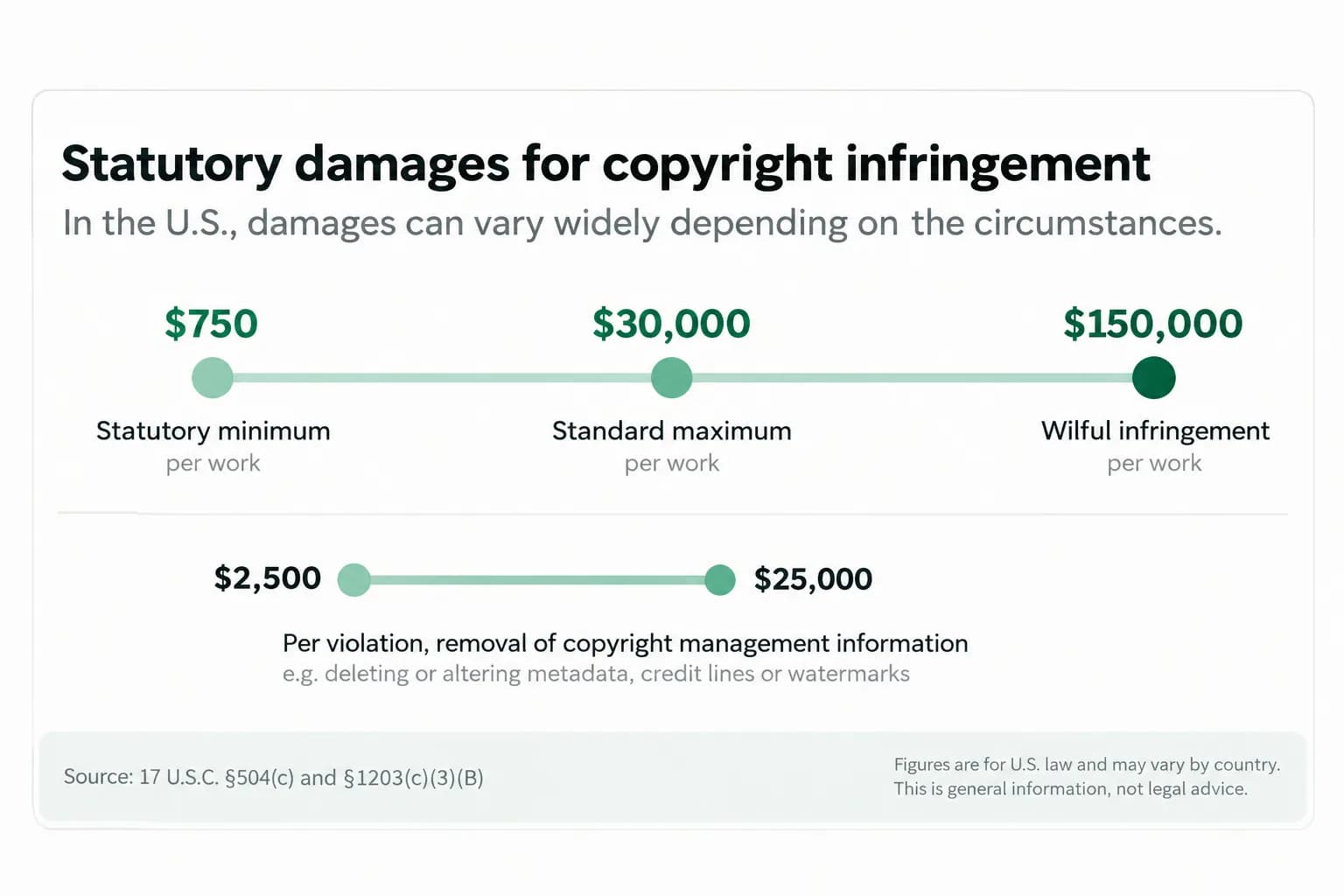
The numbers behind that are not friendly. Statutory damages in the US run from $750 to $30,000 per work, and up to $150,000 where infringement is found to be wilful. There is a separate provision covering removal of copyright management information, worth $2,500 to $25,000 per violation, which is exactly what cropping a credit line or clearing an EXIF field can look like from the other side of the table.
And enforcement has quietly got much cheaper. Since the Copyright Claims Board opened in mid 2022 it has taken nearly 2,000 claims, with pictorial and graphic works the single largest category at around 36 percent, and roughly two thirds of claimants representing themselves with no lawyer at all. A photographer who once wrote off a small infringement because litigation was not worth it now has a tribunal, a form, and a $30,000 ceiling. The economics of chasing you changed.
What a real check looks like at site scale
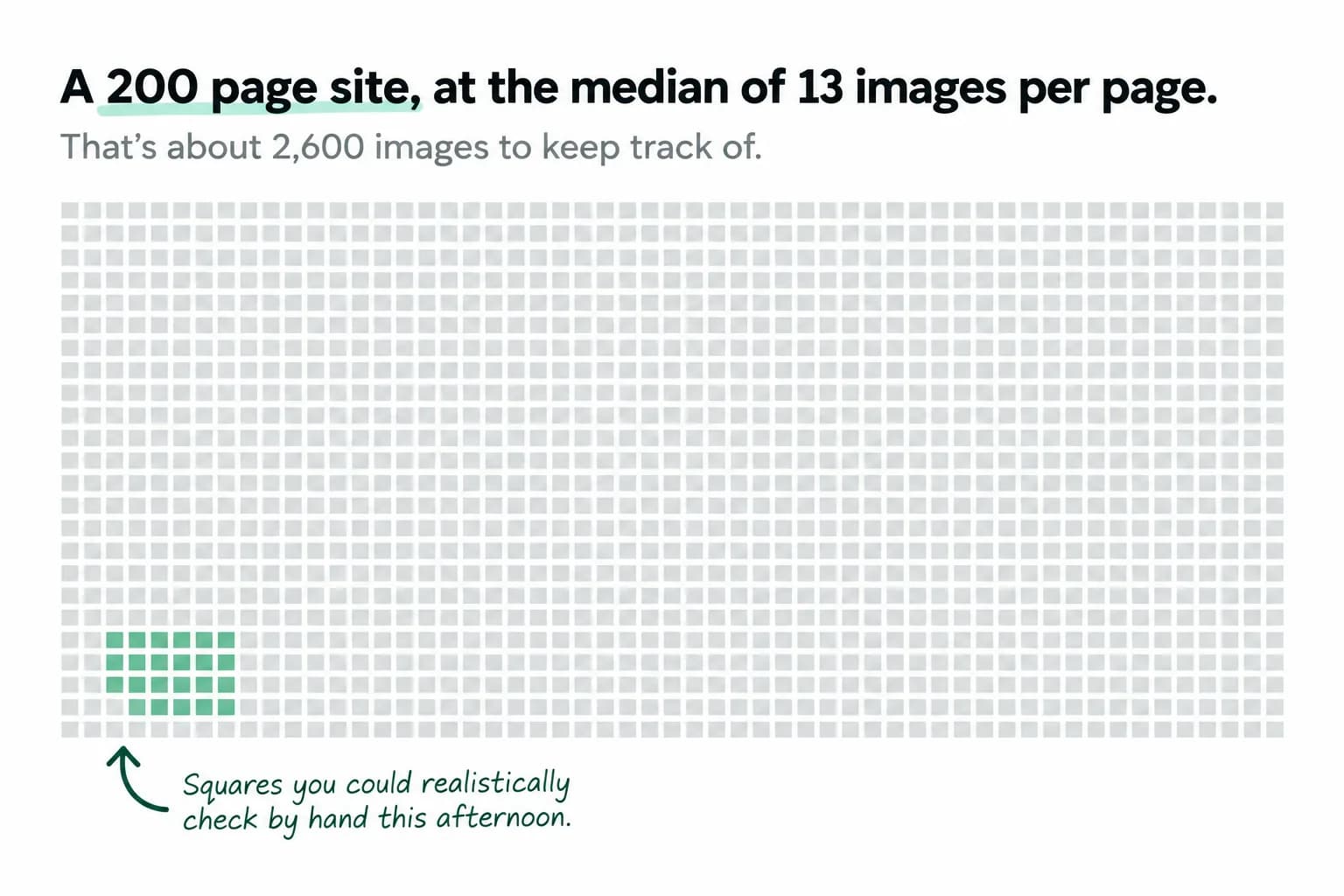
The reason this stays unsolved is arithmetic. The median page carries around 13 images, and heavier pages carry four or five times that. A modest 200 page site is comfortably past 2,500 images. Checking those one at a time in a reverse search box is not a process, it is a hobby.
A useful check runs across the whole site and asks five things of every image it finds. Where does this file come from. Does it match a licence source we actually hold. Is there any documentation attached to it. Is the same asset repeated in places the licence may not cover. And which of these are worth a human looking at first.
That last one is the difference between a report and a to do list. Risk ranking is what turns an image audit into something a team finishes.
AI generated images do not escape any of this either. Purely AI generated output generally is not protectable by you, licence terms across generators vary a lot, and an asset with no human author and no paper trail is still an asset you cannot document. One more row in the inventory.
None of this is legal advice, and a real dispute deserves a real lawyer. But most image problems start as admin problems, and admin problems are fixable before anybody sends an email.
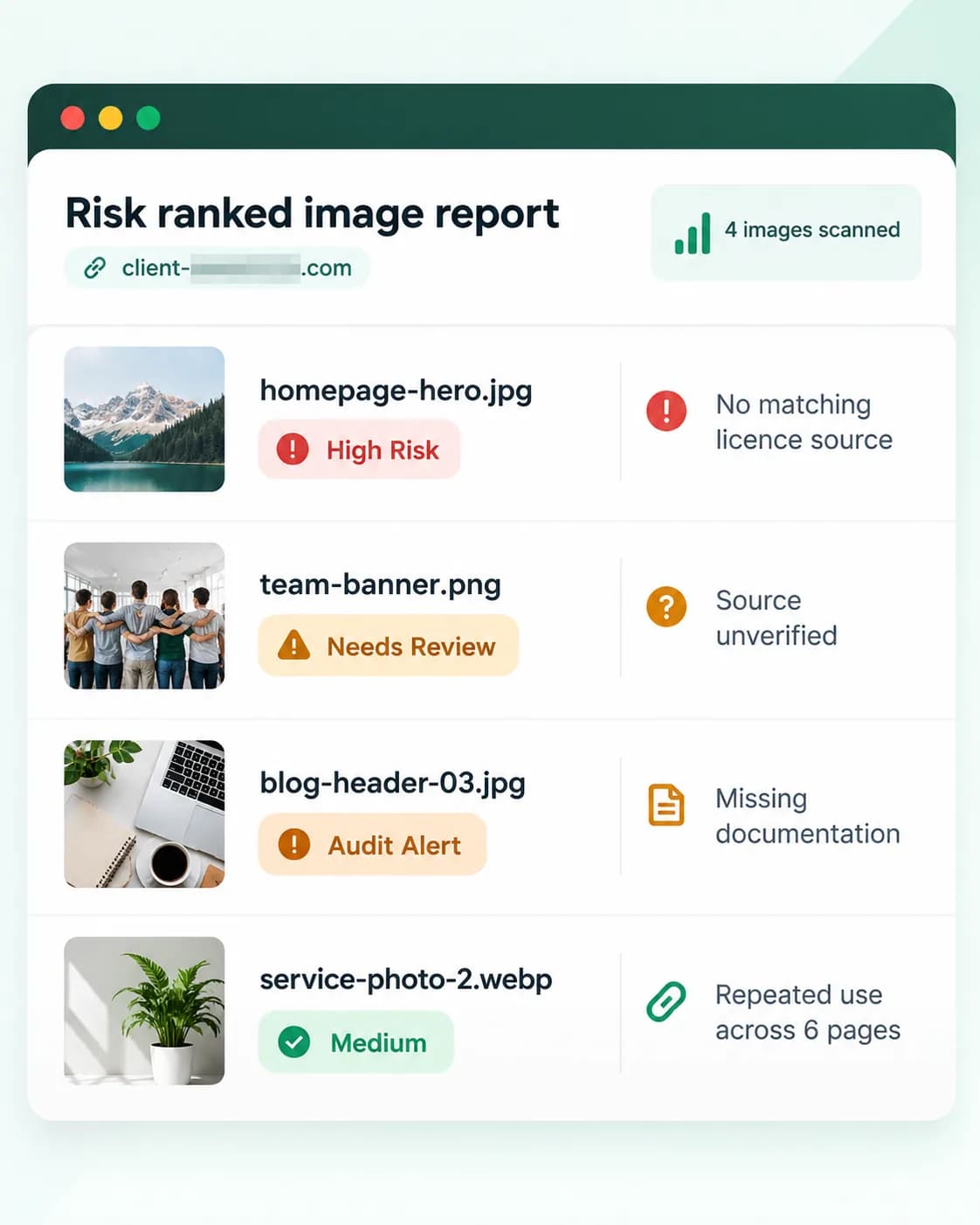
If you have never audited your image inventory, start with the free preview scan. Five images, one site, no card. It takes a couple of minutes and usually tells you whether you have a filing problem or a real one.